Keep the right people apart (and together)
Couples together, the feud apart, the newcomers spread out. Set it once and the app takes the blame.
FreeSet a rule in four taps
Most of a fair draw is really a handful of rules you already carry in your head. You write them down once, and the app applies them to every round of the trip.
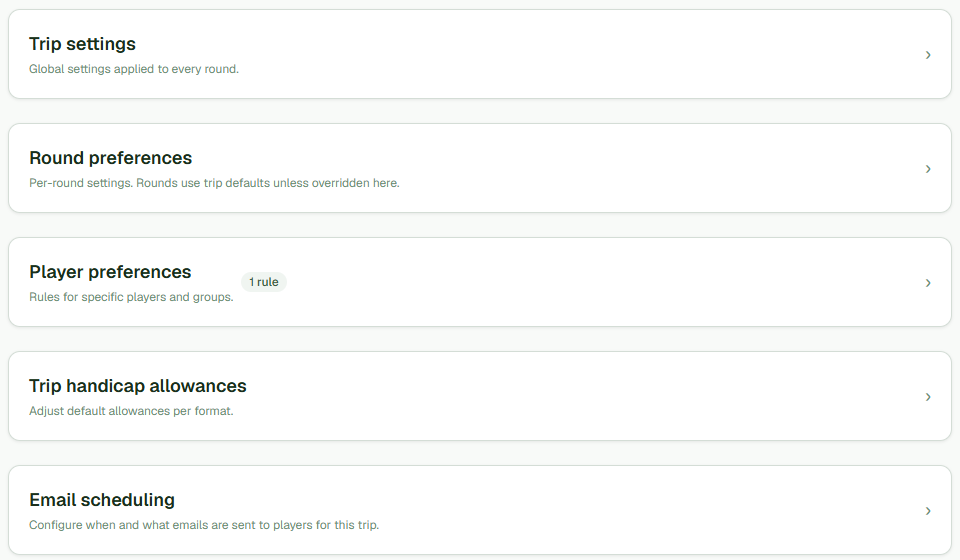
- Open your trip and go to Settings, then Player preferences.
- Add a rule and choose its kind - Keep together or Keep apart.
- Pick the players it applies to.
- Set how much it matters, from Nice to Have up to Essential.
The rules you can set
You can keep players together (couples, mates who travel in together) and keep others apart. You can spread a group of players out so they don’t all land together, such as at most one newcomer per group. You can pin the early leavers to the first tee and the late risers to the last. And you can set two rules across the whole trip: rotate playing partners, so the draw works to avoid repeat pairings across the rounds, and put any short group last.
The keep-together and keep-apart rules are free. The more advanced rules, and the compliance score (see the glossary) that grades how well a draw met them, come with the paid plan.
Priorities do the arguing for you
Not every rule matters the same, so each one takes a priority from Nice to Have up to Essential. An Essential rule is never broken: any draw that would breach it is thrown out completely. Everything below that is weighed in the balance, so one stubborn preference can bend a little rather than wreck the whole sheet. The upshot is that when someone grumbles, you can point at the rules, not yourself.
Impossible rules get caught early
Sometimes the rules simply can’t all be true at once - five newcomers, four groups, and a limit of one per group. Rather than fail quietly on the morning of the trip, the app spots the clash before you generate and tells you which rule to loosen. You find out at your kitchen table, not on the first tee.
Was this helpful?
Last reviewed 7 August 2026
Still stuck?
Tell us what you were trying to do and we will help.
Get in touch