Share and send the tee sheet
One public link carries the whole trip. Send it on WhatsApp, email it, or print it - it opens on any phone with no app and no sign-up.
FreeOne link answers everything
Every tee sheet has a single public link. Share it on WhatsApp, send it by email, or print it for the noticeboard - it is the same link either way. Tee times, groups, live scoring and the leaderboard all hang off it, and it opens in any phone browser with nothing to download and nobody signing up. From then on, when someone asks what time they are off, the answer is the link they already have.
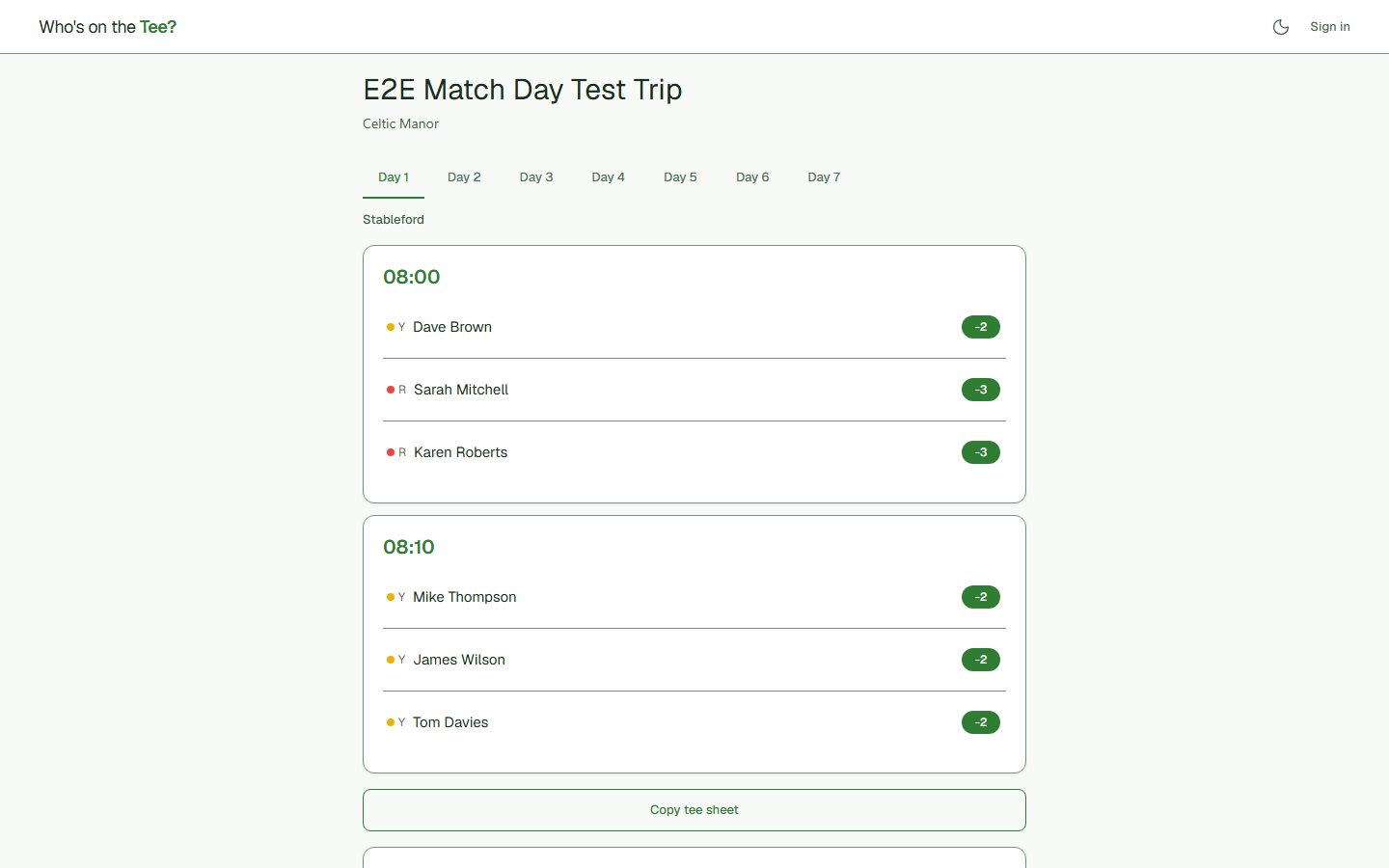
Copy it into the group chat
There is a Copy tee sheet button that formats the whole draw as plain text, laid out so it survives being pasted into WhatsApp without turning into a wall of words. Most organisers send the text and the link together: the text for the people who want to see their group without tapping anything, the link for everyone else.
Weather and lifts stay on your side
Two things do not ride on the public link. The weather forecast for each round, and the lift-share suggestions, both sit on your trip page rather than the shared one. Lift shares are grouped by area from the postcodes you hold, ready for you to copy into the group chat - so you still send them out, the app just saves you working out who lives near whom.
Sending it by email
If you added email addresses with your players, you can send the sheet out by email as well, and set nightly updates for a multi-day trip. Emailing is part of the paid plan; sharing the link is free and always will be.
Was this helpful?
Last reviewed 8 August 2026
Still stuck?
Tell us what you were trying to do and we will help.
Get in touch